Found a project you like?
Play it, then explore the code
“How do I play?”
“How did they make that effect?”
Ask about the controls first. Then explore an effect that catches your eye: which blocks make it work, and what could you learn from them?
AI help inside the Scratch editor
You create.AI lends a hand.
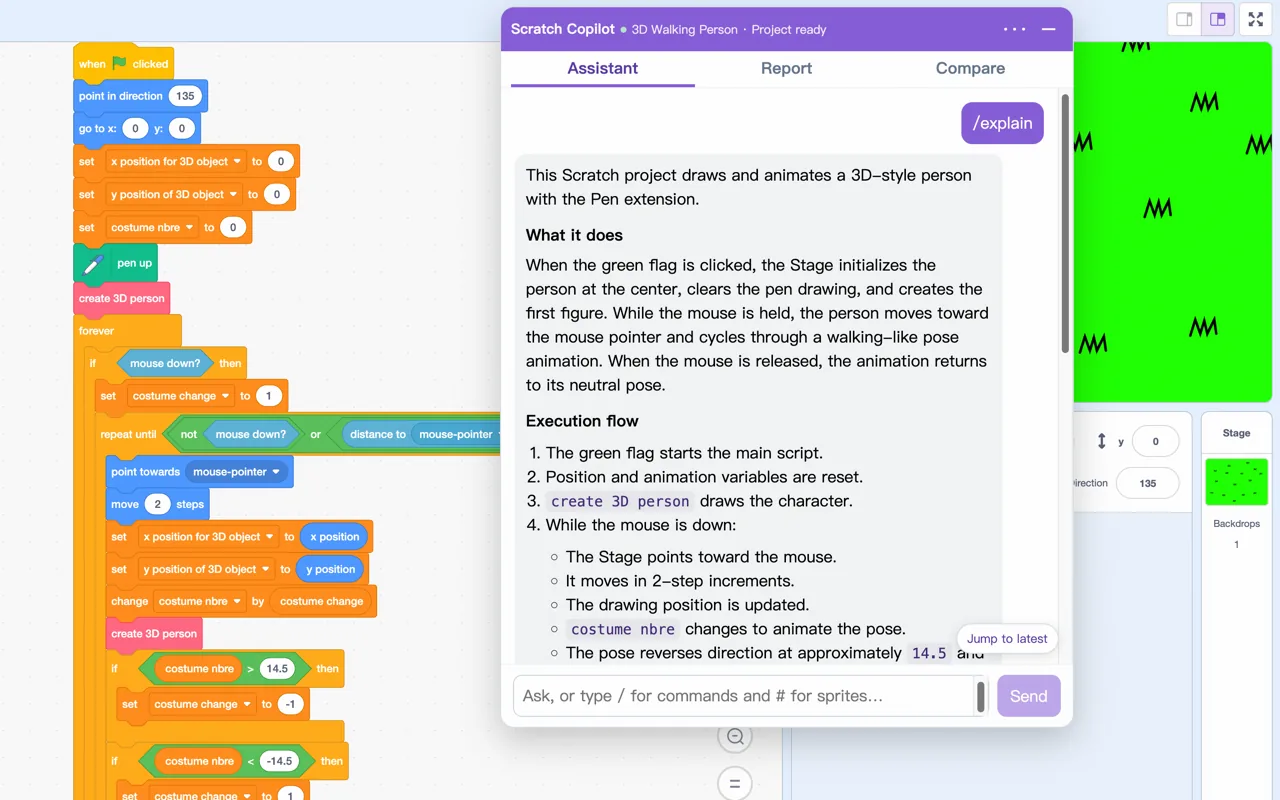
Scratch Copilot uses the code in your open project to explain how things work and suggest what to try. You choose an approach, make the changes, and run the project to see what happens.
Project assistant
Found a project you like?
“How do I play?”
“How did they make that effect?”
Ask about the controls first. Then explore an effect that catches your eye: which blocks make it work, and what could you learn from them?
Something isn’t working
“Why won’t the sprite move?”
Describe what’s going wrong and get suggestions based on your scripts. Try a change, run the project, and follow up with what you observe.
Have an idea to try?
“How do I add a countdown?”
Get steps that build on your existing code, then put the blocks together and test as you go. When you’re done, ask: “What could I improve?”
These are example questions. Check AI suggestions against your blocks and test the result. The assistant doesn’t change blocks for you.
Remix and document
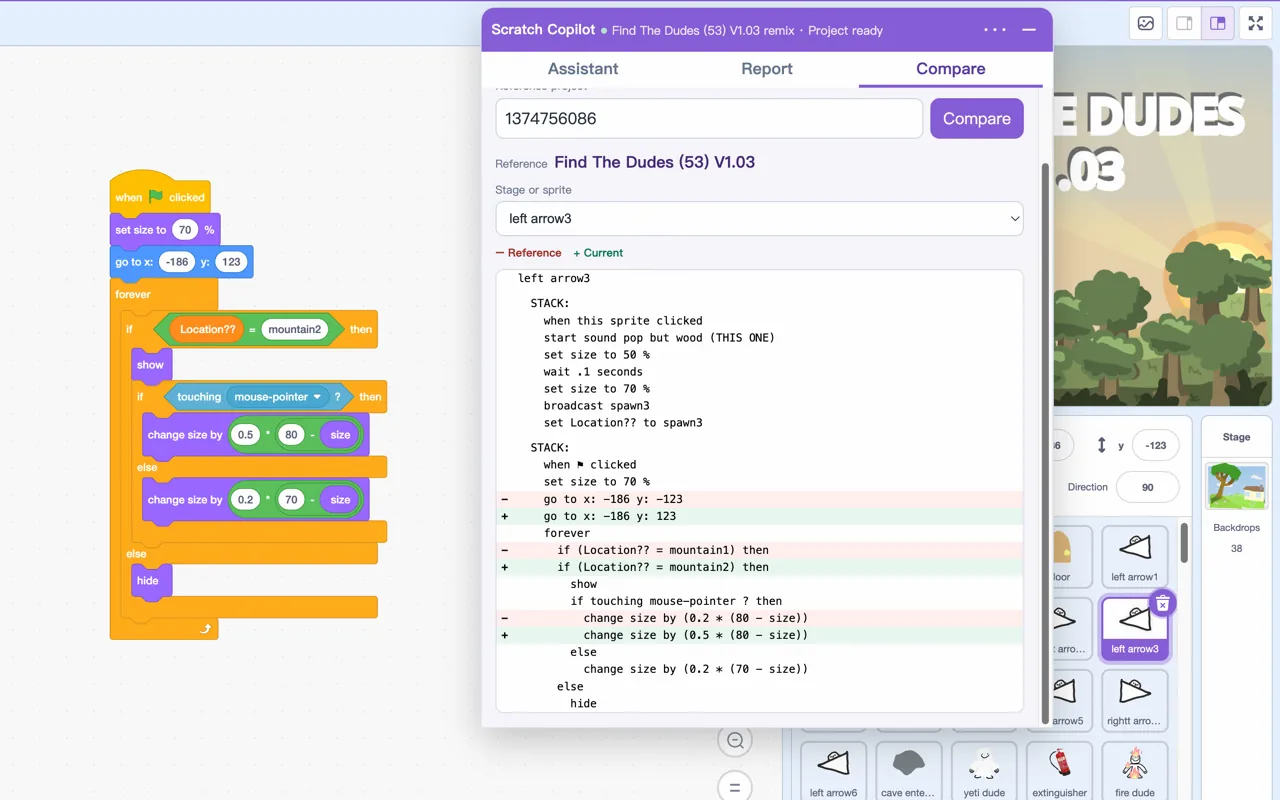
Remixing or following a class example
Paste a public reference project’s link to see code changes by sprite and check for anything you missed. The comparison includes your unsaved edits.
Comparing projects doesn’t change them. Different code isn’t necessarily wrong.
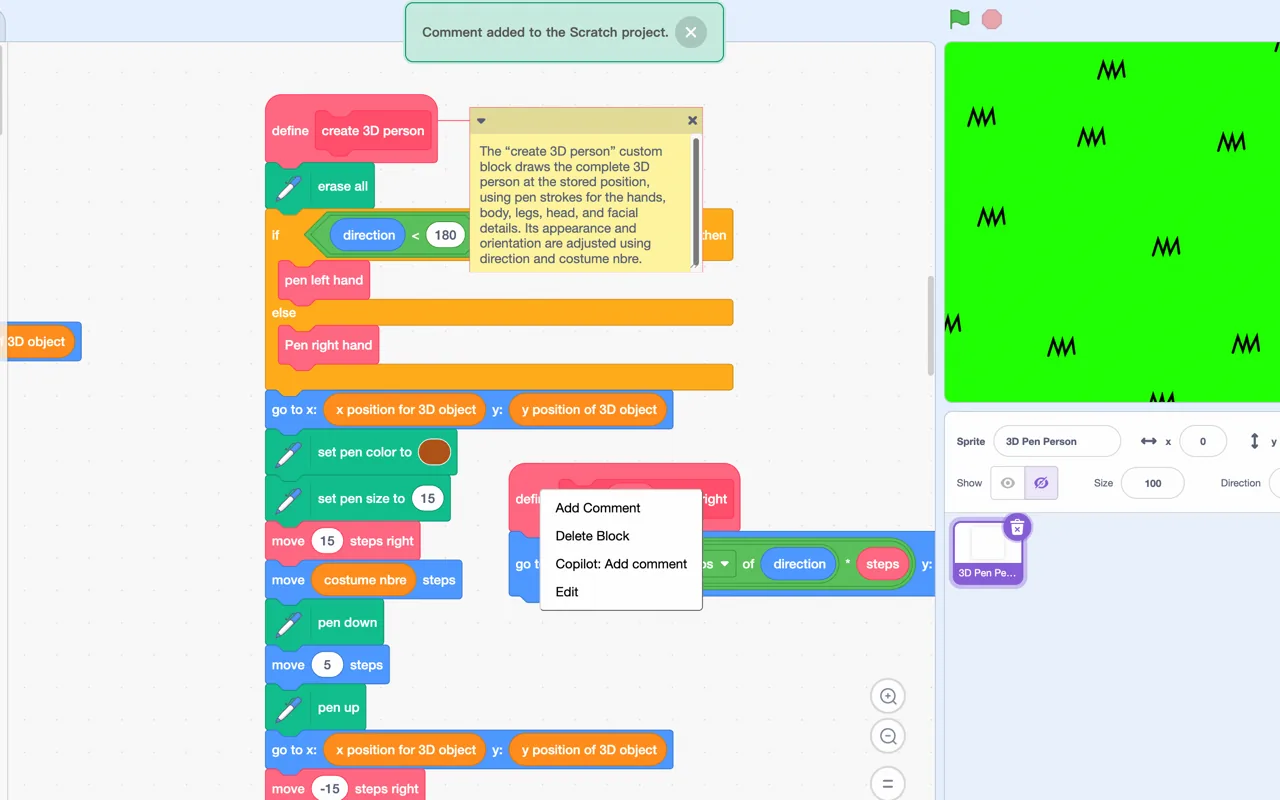
Coming back later or sharing your work
Right-click a block or the workspace to add an AI-written comment about that code or the whole sprite. Keep an explanation handy for yourself and others.
Comments are added directly to the project. Review, edit, or delete them in Scratch.
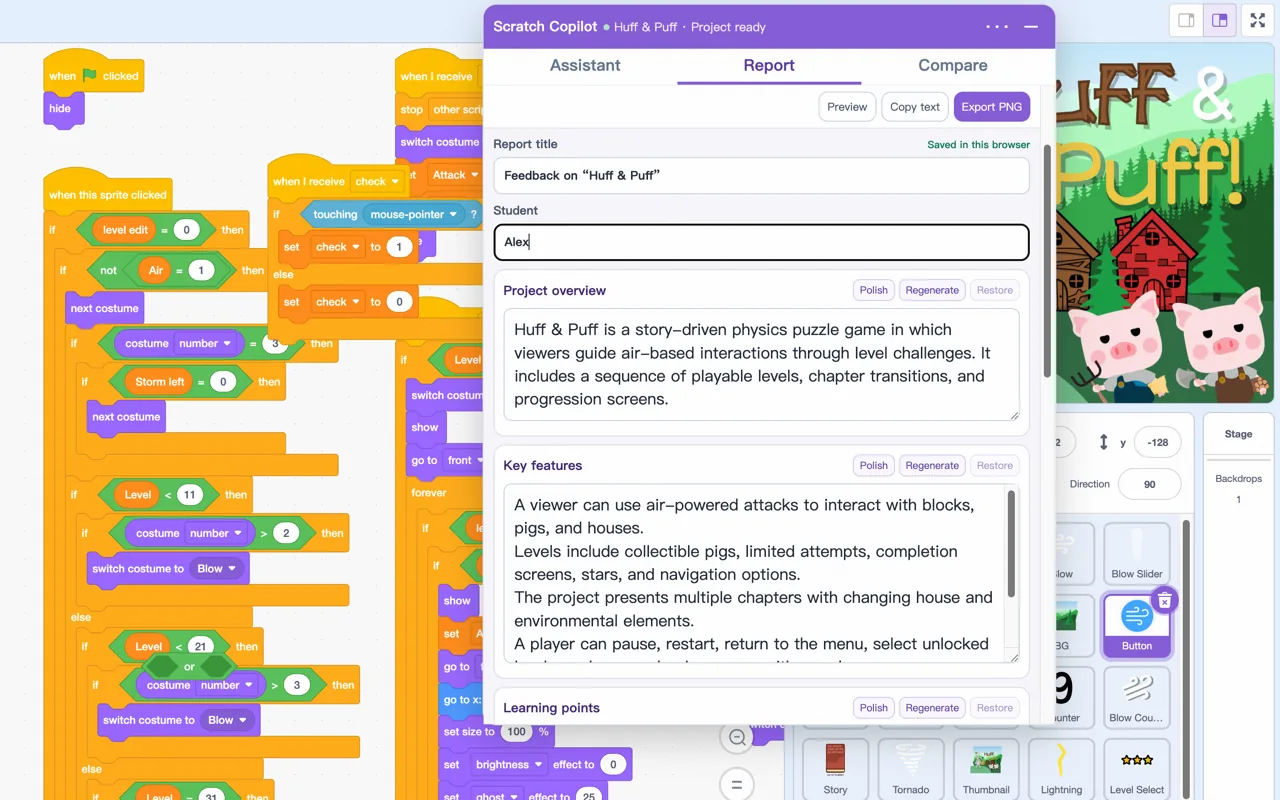
For teachers
Open a student’s project to draft feedback, with optional assignment requirements. Check the draft, add your classroom observations, then copy the text or export an image to share with students and families.
Edit any section yourself, or ask AI to revise it and decide whether to use the suggestion.
Clear by design
Start with Scratch Copilot
Install the extension, open a saved project in the Scratch editor, click the extension icon, and sign in with Google or Microsoft.
Scratch Copilot is intended for adults, parents, and teachers. Children under 13 should use it only with authorization and supervision from a parent or school.